As an Amazon Associate I earn from qualifying purchases. Product links in this story may earn Rústiko a commission, at no extra cost to you.
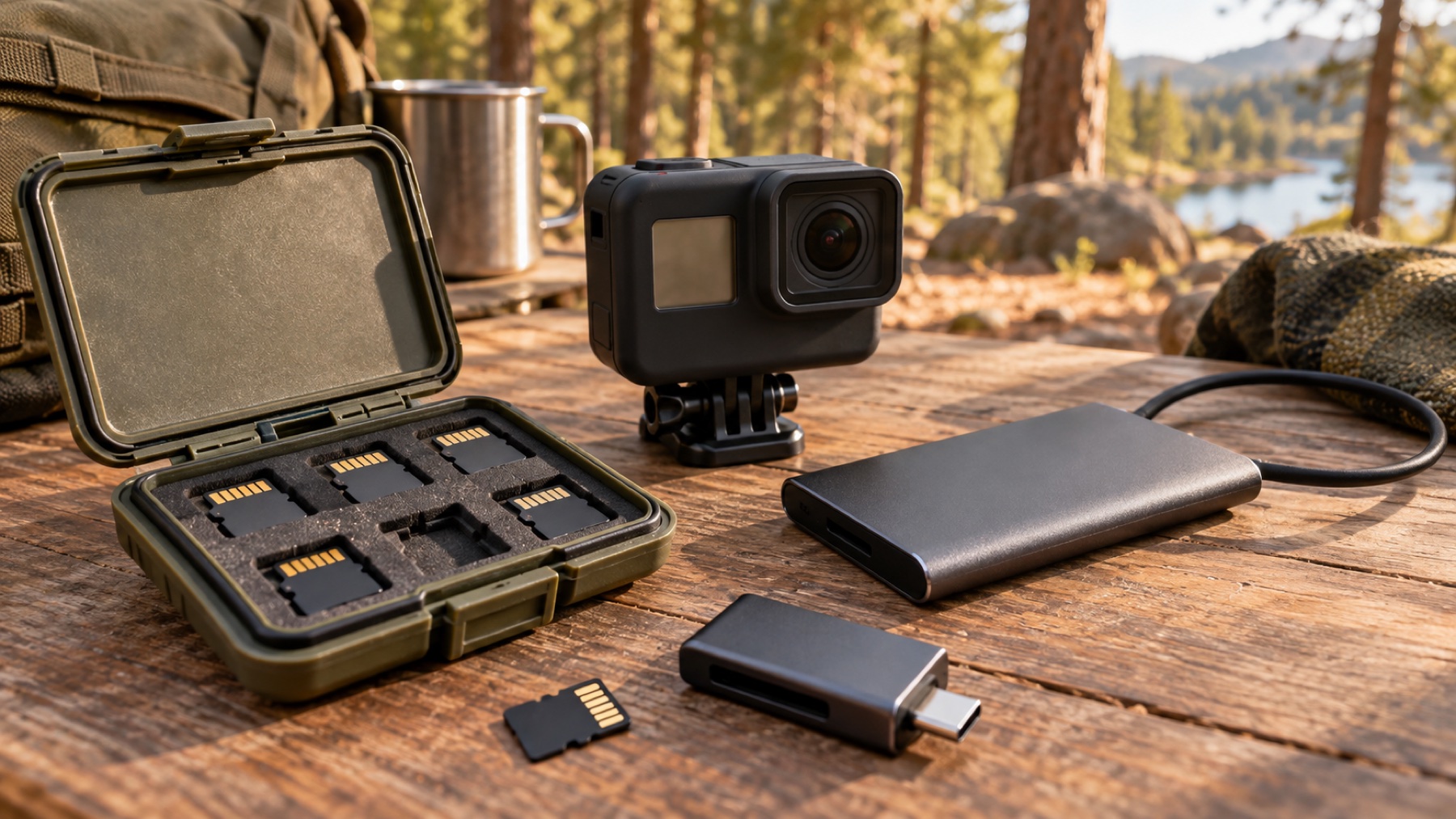
The SanDisk Extreme PRO 256GB microSDXC card in our catalog is labeled U3 and V30. It can be a candidate for an action-camera kit, but compatibility starts with the camera maker’s current card guidance and the recording mode you plan to use. A familiar brand name or a large capacity alone does not prove the exact card will support every resolution, frame rate or camera.
Read the right speed number
V30 identifies a video speed class with a 30MB/s minimum sequential write rate under the applicable test conditions. A much larger advertised read-speed figure describes a different task, usually getting files off the card. Do not choose recording media on that headline alone. SanDisk has sold several generations under similar Extreme PRO names, so match the exact product code and capacity rather than copying a speed claim from a newer package.
Capacity is a separate choice. A 256GB label does not translate into a fixed number of trail hours; recording bitrate and settings determine how quickly storage fills. Test your selected mode, look at the camera’s remaining-time estimate and plan a margin. A second suitable card can be more useful than expecting a single very large card to hold an entire trip without a transfer.
Run a recording test before departure
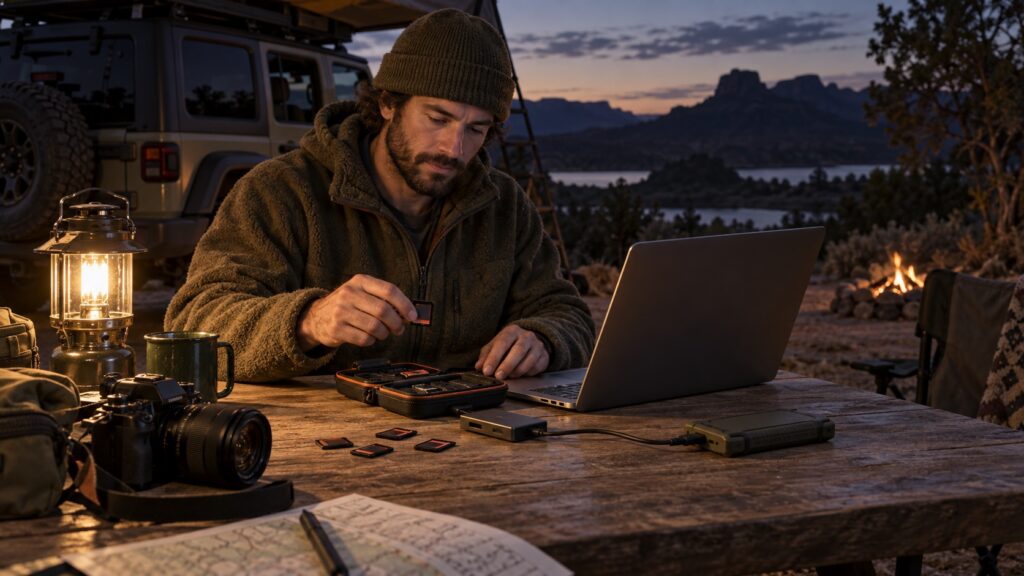
Buy from a seller you can evaluate, inspect the package and test the card before a trip you cannot repeat. Back up existing files before formatting, then format in the camera as its instructions direct. Make a sustained sample recording in the intended mode, play it back and check for storage warnings. If the device reports an error, resolve it before leaving; lower expectations do not repair unreliable media.
Build the transfer path at the same time
An Anker USB-C SD card reader can connect compatible cards to a suitable phone or computer. Check the reader slots and the host’s storage support, then copy the files to a Samsung T7 Shield SSD through that host. Open several copied files and retain the originals until the second copy is verified. Our travel-backup guide covers that routine in more detail.
Check whether the camera even uses a card
The DJI action-camera kit is one place to apply this checklist. Other cameras use internal storage: our GO 3S article explains that different workflow. The goal is not to collect media accessories. It is to know that your camera can record the planned scene, that you can retrieve it, and that one lost card will not erase the whole trip.