As an Amazon Associate I earn from qualifying purchases. Product links in this story may earn Rústiko a commission, at no extra cost to you.
The second copy
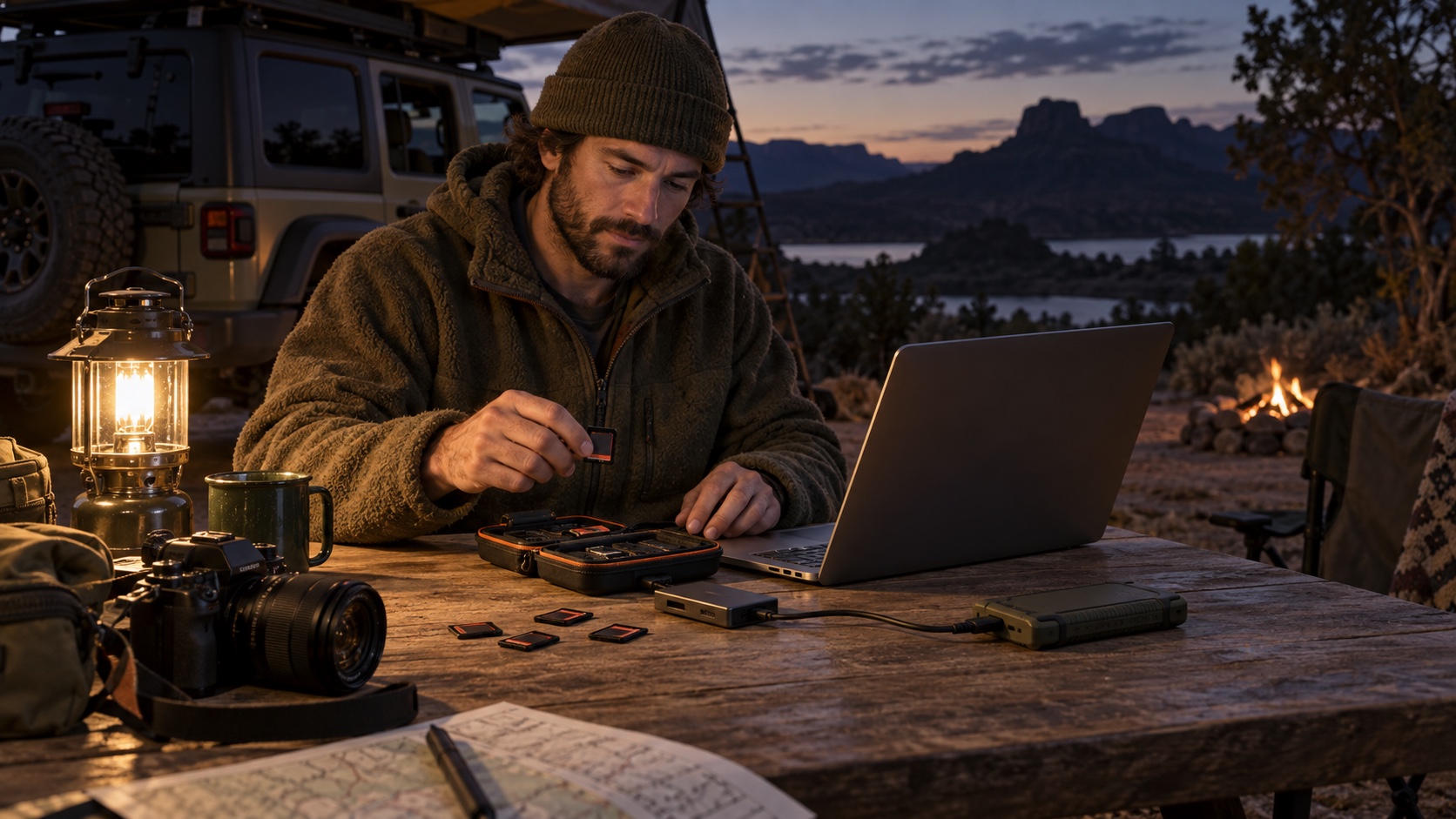
After a long trail day, the Samsung T7 Shield 1TB portable SSD is valuable because it can hold a second copy of your footage. Samsung advertises IP65 dust and water resistance under its stated test conditions, but a rugged housing does not protect against accidental deletion, loss or a damaged cable. Keep the original camera card untouched until a copied file opens on another device.
A simple ingest station
Bring the Anker USB-C SD card reader only if it matches your camera card and the USB-C device doing the copying. Use a SanDisk Extreme PRO 256GB microSDXC card as working media after checking the camera maker’s requirements; transfer speed claims do not guarantee a particular camera mode. Create folders by date and location, copy the entire card structure when practical, then open at least one photo and one video from the SSD. A copied filename is not proof of a usable backup.
Keep the copies apart
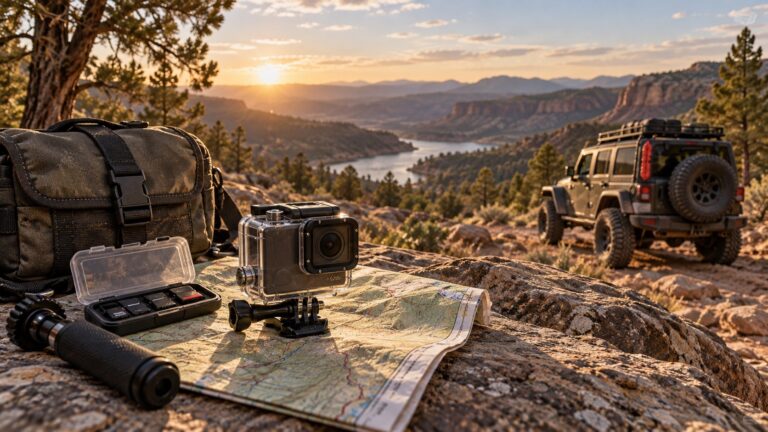
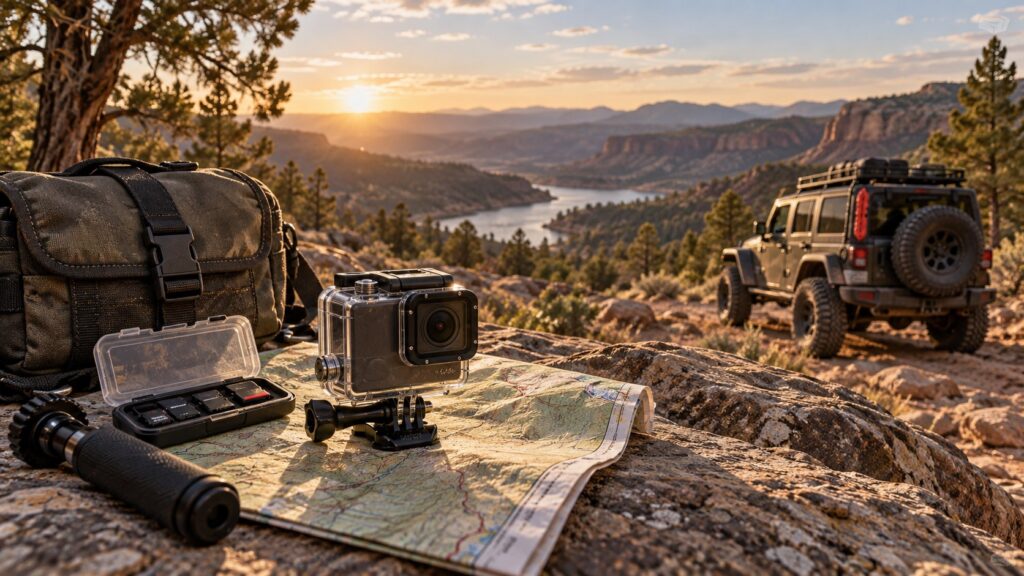
Place the camera card and SSD in different bags or cases during travel. Protect connectors from grit, and do not pull the drive while files are still transferring. Once home, copy the material again to your long-term storage before reformatting cards. Our Osmo Action trail kit covers capture; the GoPro kit explains another recording workflow. Whichever camera you choose, storage should be budgeted with it, not added after the first lost clip.