As an Amazon Associate I earn from qualifying purchases. Product links in this story may earn Rústiko a commission, at no extra cost to you.
Record a story you can hear
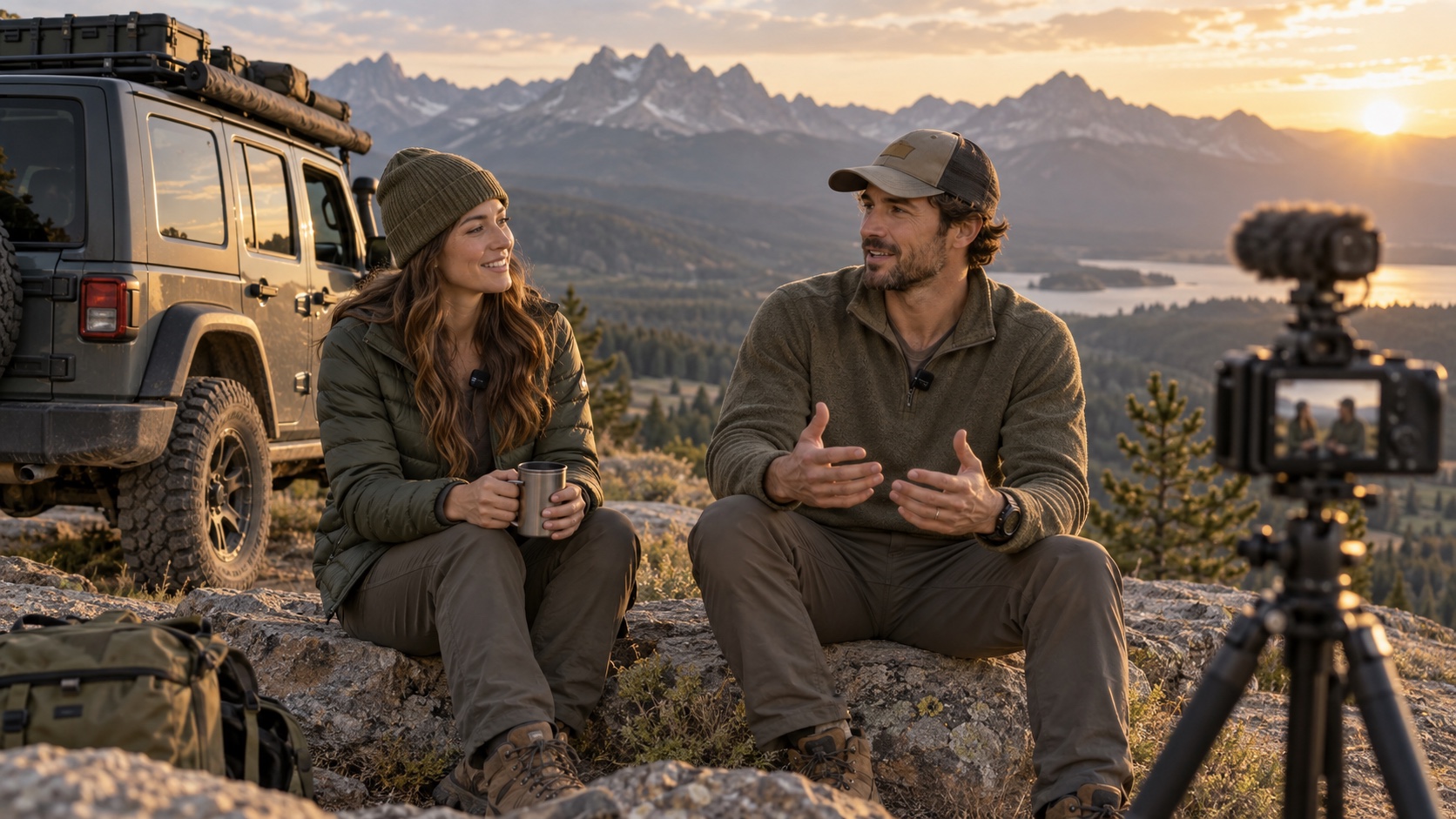
Wind and engine noise can bury the best trail recap. The DJI Mic Mini combo in our catalog is the two-transmitter, one-receiver package with a charging case, so confirm the exact bundle at checkout. DJI documents direct Mic Mini transmitter connection with compatible Osmo cameras, including Action 5 Pro, but connection mode and recording controls differ from using the receiver. Pair and test your own devices before the trip.
Pair it with a camera, not guesswork
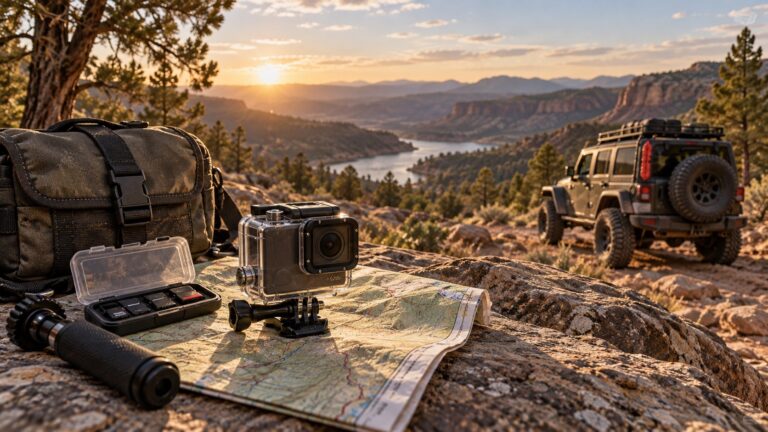
The DJI Osmo Action 5 Pro Standard Combo is a natural visual partner. At a stopped overlook, clip one transmitter securely on the presenter and make a 20-second test sentence at normal voice level. Listen with headphones if possible. Check wind protection and clothing rub; a microphone placed under a noisy jacket can sound worse than the camera’s built-in mic. Do not narrate while attempting a difficult driving maneuver.
Finish the file chain
Back up both video and audio to a Samsung T7 Shield portable SSD after recording, and verify the clips actually contain the expected sound. The drive is a second copy, not the only copy. If your trip includes several speakers, plan who wears which transmitter and check the package contents and device compatibility before buying. Our camp backup workflow covers the handoff to storage, while the camera kit covers framing and power. A short, clear recap is more useful than an hour of unusable noise.