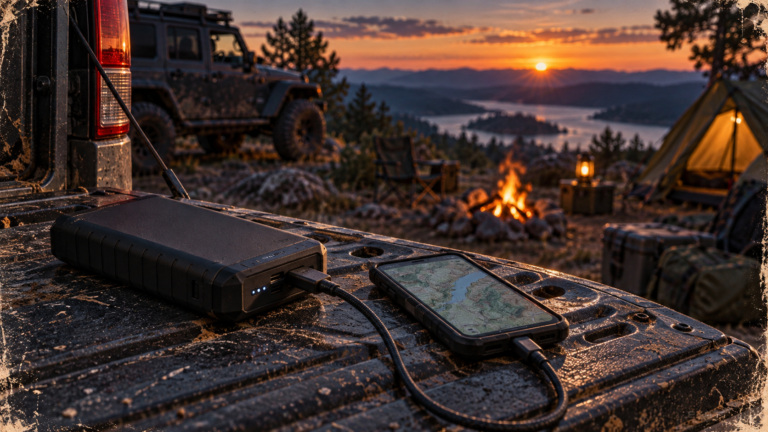
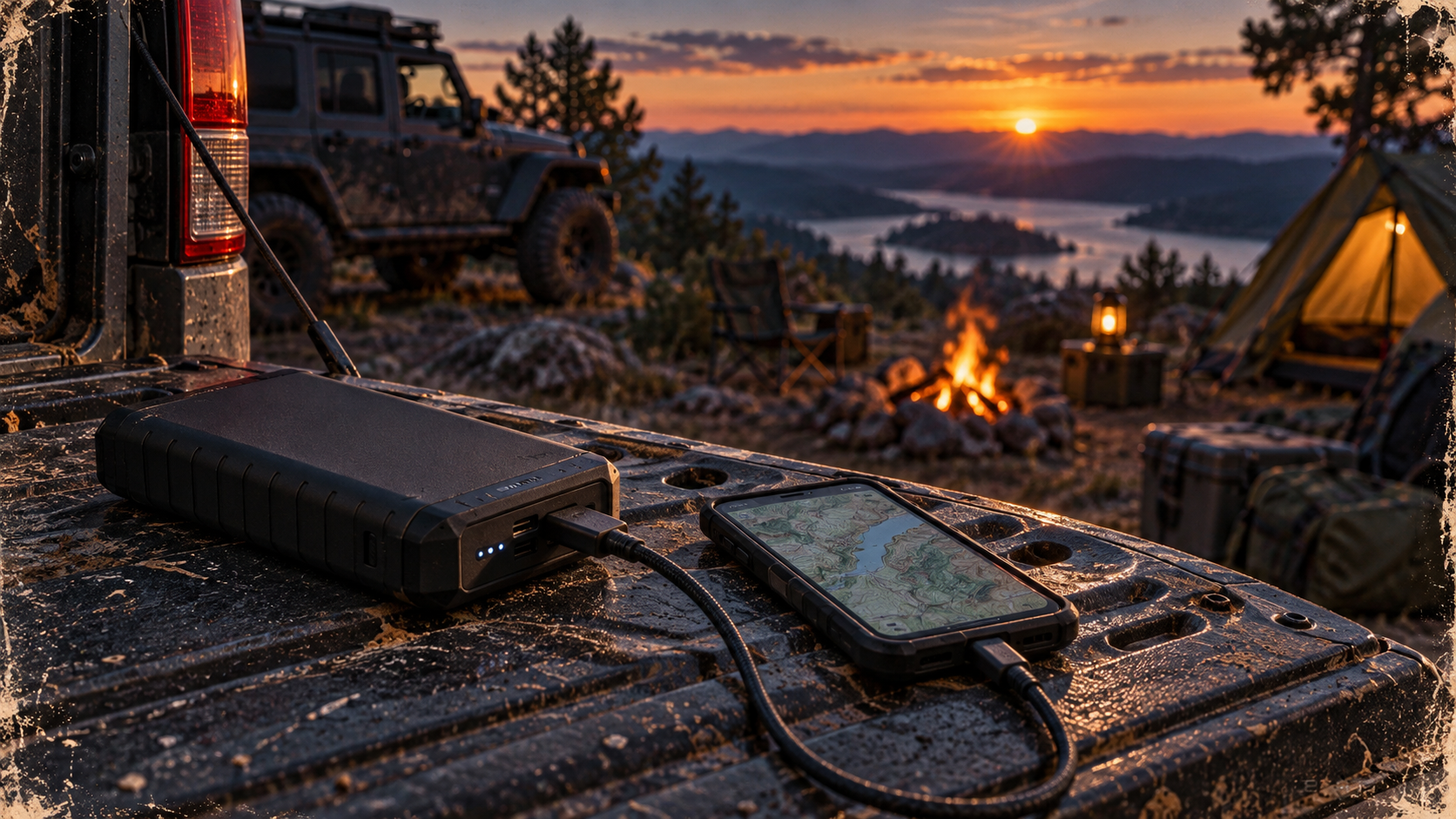
A satellite communicator can send a message beyond cell coverage, but it cannot decide what an overdue Jeep trip means. Someone at home still needs to know your route, expect a check-in, and recognize when silence calls for action. That is the useful buying test for the Garmin inReach Mini 2 Satellite Communicator in black: can you build a reliable handoff around the device?
As an Amazon Associate I earn from qualifying purchases. Some product links in this article are affiliate links.
This is a narrower question than whether a satellite communicator is generally worth carrying on a 4×4 day trip. It matters most when a late return could otherwise leave family or friends guessing whether you changed plans, lost cell service, broke down, or need help.
Who needs this kind of check-in plan?
Our buying judgment: The Mini 2 is most relevant to a driver who regularly travels beyond dependable cell coverage and has a willing contact at home. Think of a dispersed-camping trip with a long dirt-road approach, a solo outing where a mechanical problem could delay your return, or a group that may split up for a hike after parking the Jeeps. A two-way message can explain a routine delay more clearly than simply failing to arrive on time.
It is less compelling if your trips stay near staffed campgrounds and reliable cellular service, or if nobody will notice or act on a missed check-in. Buying the device does not create the human side of the plan. The National Park Service recommends leaving an itinerary with an emergency contact, including the route, vehicle description, people in the group, and expected finish time. That remains useful whether or not you carry satellite electronics.
What the Mini 2 does—and what it needs
Verified product facts: Garmin documents satellite text messaging, predefined check-in messages with recipients, and an SOS function for the Mini 2. Messaging, check-ins, tracking, and SOS require an active Garmin satellite subscription; purchasing the hardware alone does not activate them. Garmin also instructs owners to test the device outdoors before a trip.
The communicator needs a clear view of the sky for satellite functions. A Jeep roof, a deep canyon, or heavy cover can complicate the simple idea of “send a message from anywhere.” Treat a message as pending until the device confirms its status, and do not promise someone at home an instant reply. The Mini 2 is a way to attempt communication where cellular service may be absent, not a guarantee that every location will permit it.
Garmin’s setup instructions use the Garmin Messenger app to pair and activate the device and call for a valid, unique phone number that can receive a text message; VoIP numbers are not supported for that process. If setup is a concern, resolve it before the trailhead rather than assuming an unopened communicator is ready for an emergency. For a closer look at operation after setup, see using an inReach Mini 2 without your phone.
Run the missed-check-in exercise before buying
Our suggested exercise: Describe a real upcoming trip to the person who would receive your messages. If neither of you can answer the following questions, the first purchase decision is really about planning, not hardware.
- What exactly is the trip? Give your contact the trail or road names you intend to use, entry point, campsite or turnaround, vehicle description and license plate, group members, and planned return. Include a plausible alternate route or destination so a changed plan does not look like a disappearance.
- What will a routine message mean? Agree on a departure check-in, perhaps another when you reach camp, and a final “back in service” message. Decide which message means “late but okay.” Garmin’s predefined check-ins have set text and recipients, so review the available wording and recipient setup against what your contact needs to understand.
- When does silence become concerning? Set a specific overdue time, not just “sometime tonight.” Allow for ordinary delays and imperfect satellite reception, but give your contact a clear point at which to follow the agreed escalation plan. Tell them whom to contact and provide the route and vehicle information they may need to pass along.
- Who is actually available? A message addressed to someone who will be asleep, driving, or out of service may not close the loop. Agree on a backup contact if the trip warrants one. Confirm that the primary contact understands a missed routine check-in is not itself an SOS from the device.
This is an editorial framework, not a Garmin feature or an emergency-service protocol. Its purpose is to make the communicator’s ordinary messages useful to a real person.
Check the complete cost and routine
Before ordering, confirm that the listing is the black Mini 2 you intend to buy, then review Garmin’s current subscription choices separately. Compare activation requirements, message and tracking allowances, and what happens if you suspend or change service. Do not assume a hardware listing includes service or that a plan suitable for occasional check-ins also matches how often you want to send custom messages or tracking points.
Next, decide where the communicator will live on a trip. If it stays buried in a Jeep cargo box, it may not be with you when you step away from the vehicle. If you carry it, choose an accessible place that lets you use it outdoors with a view of the sky. Charge it, complete activation, and use Garmin’s test-service procedure before depending on it. A successful test checks readiness at that time; it cannot certify reception on every section of your route.
Keep routine delays separate from emergencies
Suppose a tire problem makes you late leaving camp. If conditions permit, a normal message can tell your contact you are safe, where you are, and when to expect another update. That is different from requesting an emergency response. The Mini 2’s SOS procedure sends a message with location details to an emergency response service and supports follow-up communication. Garmin’s instructions call for replying to the confirmation when you can.
Our judgment: Do not treat SOS as a substitute for a recovery plan, spare supplies, sound decisions about staying with the vehicle, or knowing the route. Do not move into unsafe terrain merely to improve reception. Park guidance likewise stresses leaving a trip plan and carrying a backup means of navigation or communication where cell service is limited. A satellite device can add an important option without making the trip risk-free.
When to skip the Mini 2
Skip it for now if you will not activate and maintain the required subscription, cannot complete setup and an outdoor test before departure, or have no contact willing to follow an overdue plan. You may also reasonably defer it while your first trips remain close to dependable help and cell coverage. Put that effort into a clear itinerary, navigation backups, and basic vehicle readiness instead.
Buy it when the communication gap is real and the handoff is workable. The Mini 2’s relevant feature is not simply that it can send a satellite message; it is that a prepared person can understand that message—or recognize when the agreed one never arrives.