As an Amazon Associate I earn from qualifying purchases. Product links in this story may earn Rústiko a commission, at no extra cost to you.
The subscription is part of the gear
The Garmin inReach Messenger can provide satellite messaging and SOS, but Garmin requires an active subscription for those functions. Read today’s activation, monthly, overage and suspension terms before purchasing. A device sitting unactivated in a glove box is not an emergency plan. List the contacts who should receive updates, the route you expect to travel and the time they should ask for help if you miss a check-in.
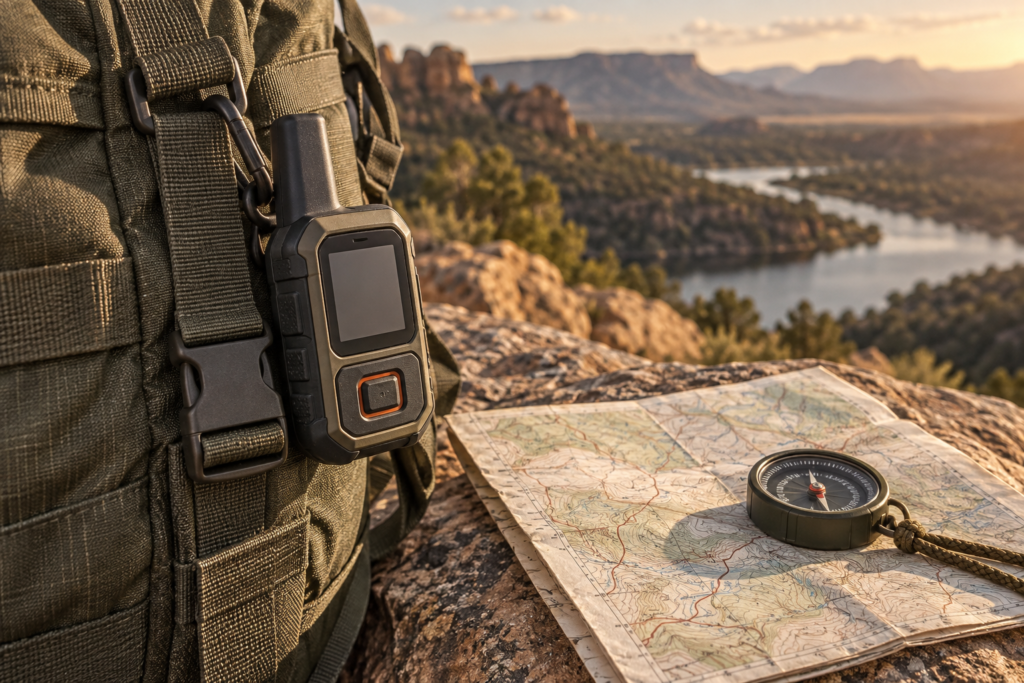
Compare the interface you will use
The Garmin inReach Mini 2 is another Garmin option with a different screen and navigation emphasis. Choose based on the actions you will practice, not the smallest device photo. Keep both phone and messenger charged; a Anker 737 power bank may support compatible charging but is not a substitute for knowing the device’s own controls. A paired phone may fail or lose power, so learn the standalone message and SOS workflow.
Run a non-emergency test
Activate service, send a routine test message as Garmin instructs, check that the recipient receives it, and rehearse from an open-sky location. Do not press SOS to test the system. Keep a separate map and tell a trusted person your route. Our three-messenger comparison helps choose a device, while the Mini 2 overland plan puts it alongside radio and navigation. Buy only after the recurring cost and human check-in routine make sense.